CapCut vs DaVinci Resolve for Creators: Which Editor Do You Actually Need?
By Reese Calder · Published September 7, 2026
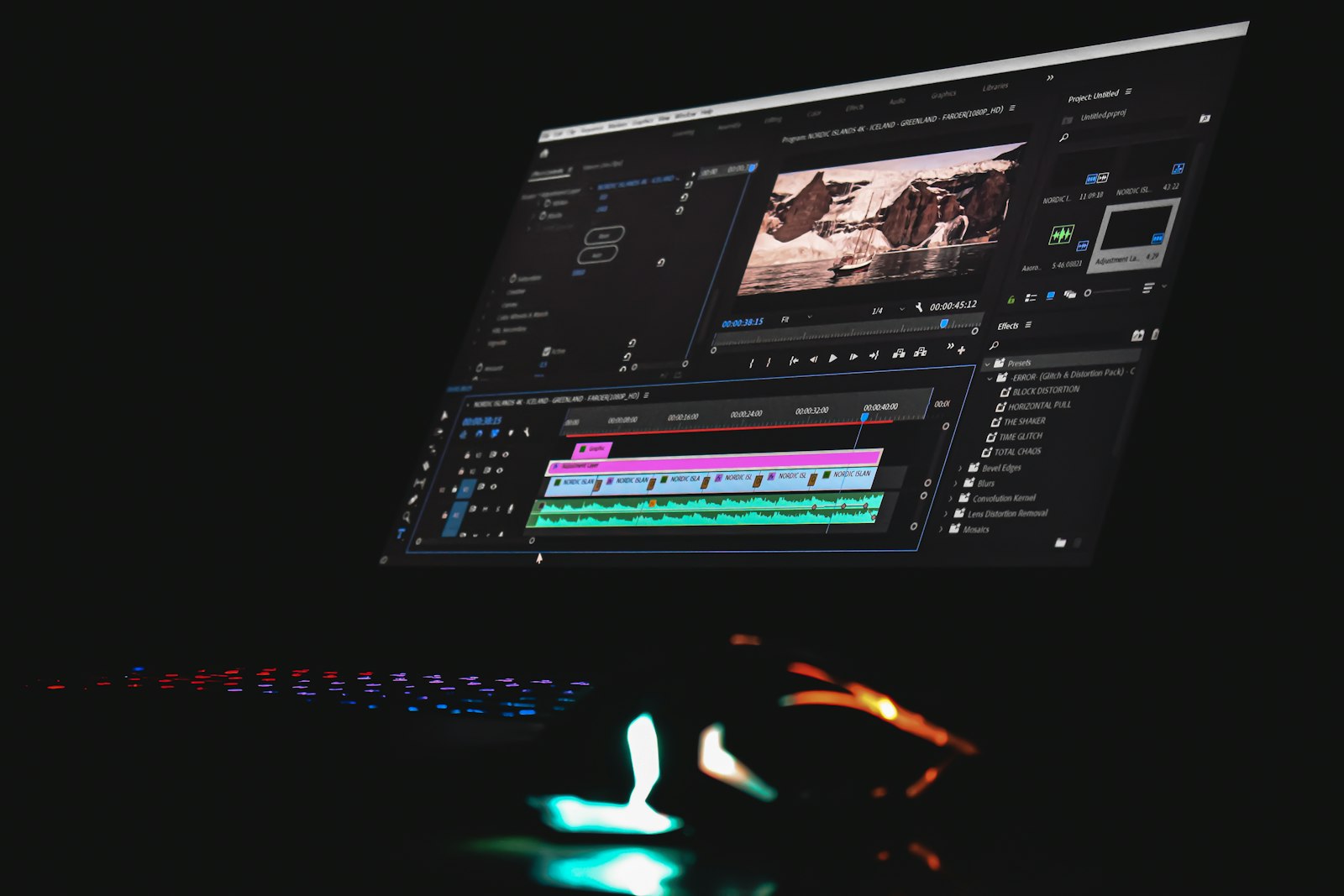
Photo: Sanjeev Nagaraj, Unsplash License.
CapCut and DaVinci Resolve get compared constantly, but they’re not really solving the same problem. CapCut is built around fast, mobile-first, vertical-format edits; DaVinci Resolve is a full desktop non-linear editor with color grading, audio mixing, and VFX tools that professional post houses use. Picking the wrong one for your workflow either wastes time fighting a tool that’s too limited, or wastes time learning features you’ll never touch.
The short answer
- Editing Shorts, Reels, or TikTok on your phone, fast: CapCut — free, mobile-native, built-in auto-captions and trend templates, exports straight to vertical formats.
- Editing long-form YouTube videos that need real color grading, multicam, or a professional audio mix: DaVinci Resolve — the free version alone outclasses most consumer editors; Studio ($295 one-time) adds noise reduction, more effects, and higher-resolution export support.
- Doing both (a channel publishing long-form and Shorts): most creators end up with both installed — CapCut for the fast vertical cuts, Resolve for anything that needs a real timeline and color pass.
Cost
CapCut’s core editor is free, with a Pro tier (~$8/mo) unlocking premium templates and effects most creators never need. DaVinci Resolve’s base version is also free with no watermark or real feature gate for most creators — Studio is a one-time $295 purchase, not a subscription, and that license doesn’t expire or need annual renewal.
Editing speed vs editing depth
CapCut wins on speed for short-form: import, drop on a timeline, auto-caption, apply a trend template, export in the right aspect ratio, done — often in minutes on a phone. DaVinci Resolve’s Cut and Edit pages can move fast too, but the tool is built around depth (multiple pages for editing, color, Fairlight audio, and Fusion VFX) that a Shorts-length edit rarely needs.
Color grading
This is where DaVinci Resolve has no real competition at this price point. It was built as color-grading software before it became a full editor, and the free version’s color page rivals paid tools that cost far more. CapCut has basic color adjustment and presets, fine for a quick look but not built for matching shots or a deliberate grade across a long-form video.
Captions
CapCut’s auto-captions are fast and reasonably accurate out of the box, tuned specifically for the caption-heavy style Shorts and Reels reward. DaVinci Resolve added its own auto-subtitle tool, but it’s a secondary feature on a tool built for other things — if captions are your main concern, CapCut is the faster path.
Platform and hardware
CapCut is mobile-first with a desktop app that trails the phone version in maturity. DaVinci Resolve is desktop-only (Mac, Windows, Linux) and benefits noticeably from a dedicated GPU — a laptop with integrated graphics only will feel sluggish on anything beyond simple cuts, especially in the color page.
Who should pick which
- Choose CapCut if your channel is Shorts/Reels/TikTok-first, you edit mostly on a phone, and you want auto-captions and trend templates without a learning curve.
- Choose DaVinci Resolve (free) if you’re publishing long-form YouTube and want real color grading and audio tools without paying for Premiere Pro or Final Cut.
- Add DaVinci Resolve Studio once you specifically need its noise reduction, extra effects, or higher-resolution/higher-frame-rate export — see the full free-vs-Studio breakdown before paying, since most creators don’t hit Studio’s gate for a while.
- Run both if your channel spans long-form and Shorts — pair Resolve’s free version for the main edit with CapCut for repurposing clips into vertical cuts.
FAQ
Can CapCut do everything DaVinci Resolve does if I just learn it well enough? No — CapCut has no equivalent to Resolve’s color page, Fairlight audio mixing, or Fusion VFX. It’s not a depth gap you close with more practice; those tools simply aren’t in the app.
Is DaVinci Resolve too complicated for a beginner? The Cut page specifically was designed as a simplified entry point for exactly this concern — you can ignore the color and Fairlight pages entirely until you need them, and produce a clean edit from the Cut or Edit page alone.
Do I need DaVinci Resolve Studio to upload in 4K? No — the free version exports at up to 4K already for most creators. Studio’s resolution ceiling goes higher and adds features aimed at professional delivery specs most YouTube channels never need.
Which one exports faster for Shorts? CapCut, generally — its export presets are built specifically around vertical Shorts/Reels/TikTok formats, so there’s no manual aspect-ratio or frame-rate setup the way there can be in a general-purpose NLE.
Related reading
DaVinci Resolve Free vs Studio: When Does a Creator Need the Upgrade?
Decide whether DaVinci Resolve Free is enough for your videos and identify the specific editing needs that could justify Studio.
ComparisonsGemini TTS vs ElevenLabs: How to Choose a Voice for Your YouTube Channel
Compare Gemini TTS and ElevenLabs by workflow, voice control, commercial rights, and revision costs before choosing a YouTube narration tool.
ComparisonsMidjourney vs Leonardo AI for Creators: Which One Actually Fits Your Workflow (2026)
A detailed, cost-per-image breakdown of Midjourney vs Leonardo AI for YouTube thumbnails, channel art, and video stills — plans, token math, consistency tools, and commercial-use rules.