DaVinci Resolve Free vs Studio: When Does a Creator Need the Upgrade?
By Reese Calder · Published September 5, 2026
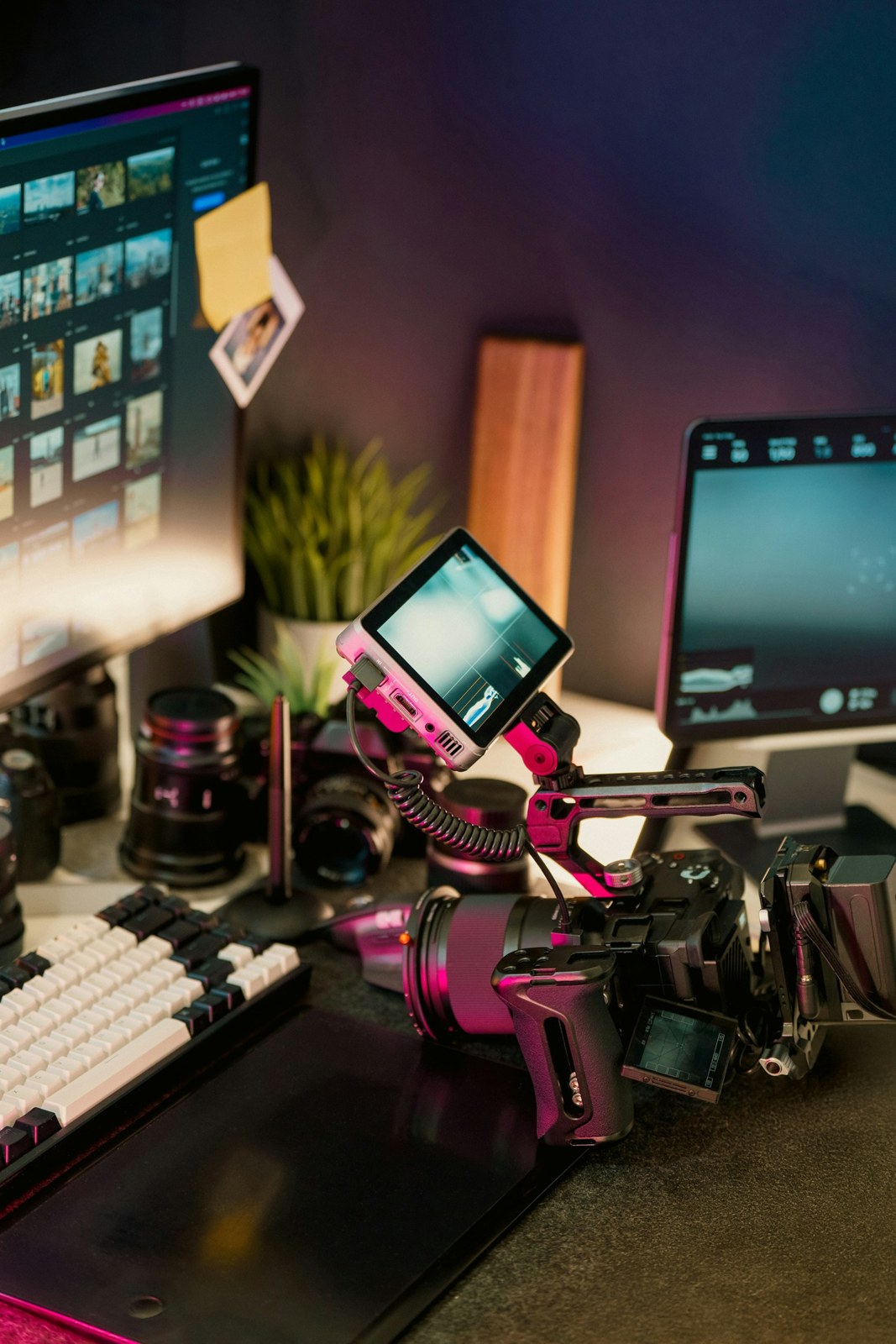
Illustrative photograph; it does not show the specific product interface or an independent test. Photo: Jakub Żerdzicki, Unsplash License.
Before paying for DaVinci Resolve Studio, finish a representative project in the free edition. An actual export will tell you more about your needs than a long feature checklist.
The decision should start with your footage, your delivery requirements, and the editing tasks you repeat. A higher-priced edition is useful when it removes a specific obstacle in that process.
What Blackmagic documents
Blackmagic Design describes Resolve as an integrated application for editing, color, visual effects, motion graphics, and audio. Its product page says the free version handles virtually all 8-bit video formats at up to 60 frames per second and up to Ultra HD 3840 × 2160.
Studio adds features including the DaVinci AI Neural Engine, additional effects, noise reduction, text-based editing, and Magic Mask. Blackmagic also lists support for 10-bit video up to 120 frames per second and resolutions beyond 4K. Format support can depend on the codec and operating system, so those headline descriptions should not replace checking your own media. Source: Blackmagic Design’s Resolve product page.
This is a comparison of documented capabilities, not a benchmark of export speed or image quality.
Run a project that resembles your real work
Take several clips from the camera, phone, or screen recorder you normally use. Include a difficult clip rather than selecting only the easiest footage. Add the titles, subtitles, and audio adjustments that your finished videos require.
Export a short section using the settings your channel or client needs. Watch the exported file outside the editor. Check for missing media, unreadable text, audio problems, and effects that did not render as expected.
Write down every point at which you could not complete the job. Distinguish a missing feature from an unfamiliar command. That distinction stops a learning problem from becoming an unnecessary purchase.
Put a value on the obstacle
Suppose a paid feature would save an estimated 15 minutes on each of eight monthly videos. That is two hours per month in your planning worksheet. Over three months, it becomes six hours. These are illustrative numbers; measure your own editing time before treating the estimate as a saving.
Also count the time required to learn the feature. A tool that could help eventually may have little immediate value if you are still struggling with basic media organization.
If a project requires a supported format or capability unavailable in your current setup, the upgrade may have a clearer purpose. Confirm that requirement against the documentation for your installed version before purchasing.
Use the training material first
Blackmagic provides official training videos, books, and project files covering editing, color, audio, and visual effects. Work through the material connected to your current problem rather than trying to learn the entire application at once. Source: official Resolve training.
A reasonable path for a new creator is to begin with the free edition, make one complete video, and keep a short list of limitations encountered. Buy Studio when you can name the task it will improve and explain why that improvement matters to your output.
Continue reading
Related reading
Best Free ElevenLabs Alternatives for Creators
ElevenLabs' per-character billing gets expensive at volume. Here are the free and near-free alternatives creators use instead, and where each one falls short.
ComparisonsCapCut vs DaVinci Resolve for Creators: Which Editor Do You Actually Need?
CapCut and DaVinci Resolve solve different editing problems — fast, mobile-first Shorts edits versus a full desktop NLE with professional color grading. Here's how to pick without over-buying.
ComparisonsGemini TTS vs ElevenLabs: How to Choose a Voice for Your YouTube Channel
Compare Gemini TTS and ElevenLabs by workflow, voice control, commercial rights, and revision costs before choosing a YouTube narration tool.