Three-Minute YouTube Shorts: The Music Rule to Check Before Uploading
By Reese Calder · Published September 5, 2026
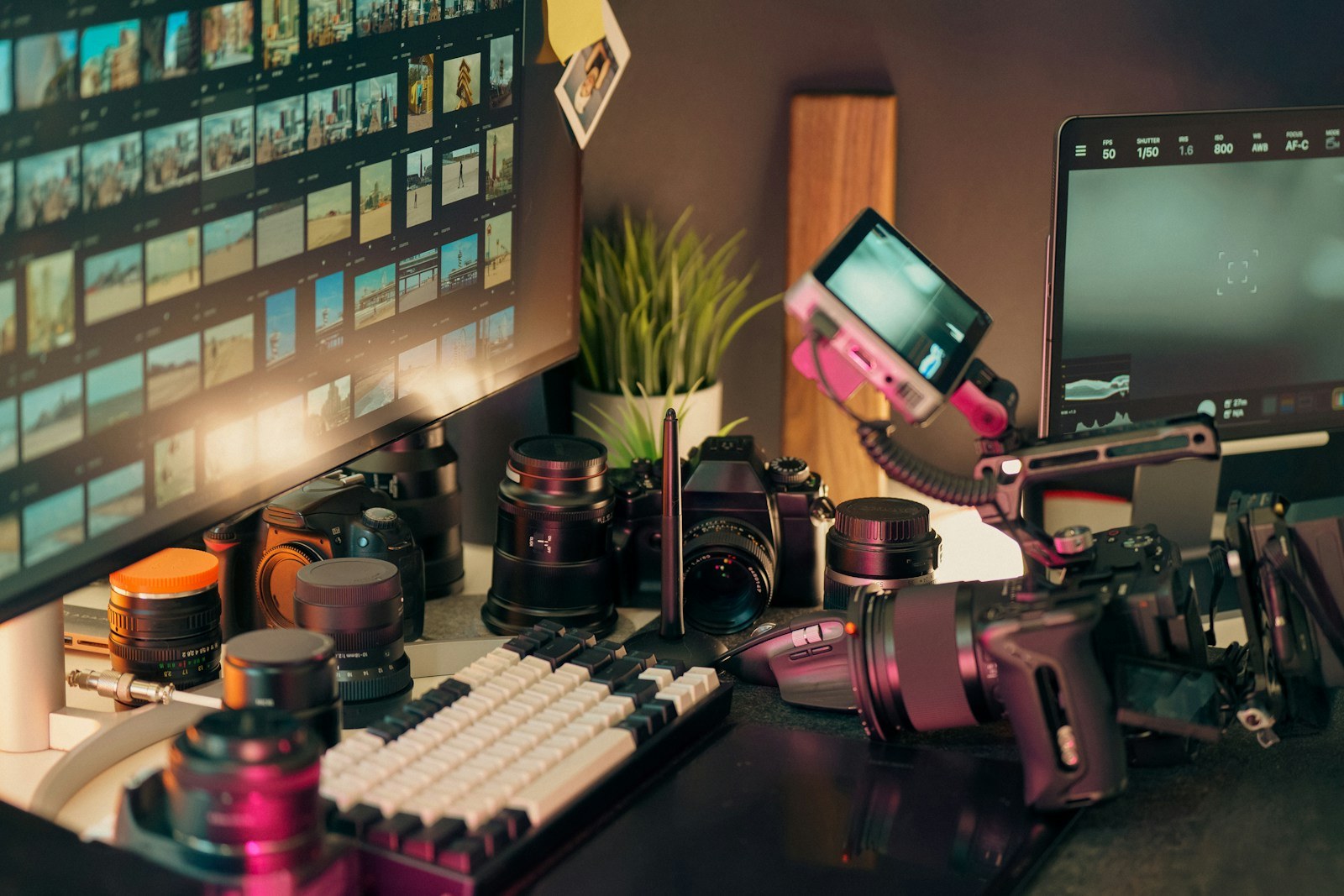
Illustrative photograph; it does not show the specific product interface or an independent test. Photo: Jakub Żerdzicki, Unsplash License.
A longer Short gives you more room to demonstrate a tool or explain an idea. It also makes soundtrack planning especially important: a track that looks harmless in an editing timeline can affect whether the finished upload is available.
Before stretching a short-form template to three minutes, check the format and the permissions for every piece of audio.
The documented format and claim rules
For standard channels, YouTube says square or vertical videos uploaded from October 15, 2024, with a duration of up to three minutes are categorized as Shorts. The guidance includes separate historical handling for Official Artist Channels and channels linked to music content owners.
YouTube also says a Short longer than one minute with an active copyright claim of any type is blocked globally. While blocked, it cannot be played, recommended, or monetized. This includes manual claims as well as Content ID claims.
For music selected through the Shorts Audio Library, YouTube says most songs can be used for up to 90 seconds in a three-minute Short, while some are limited to 60 or 30 seconds. Check the allowance shown for the actual track. Source: YouTube’s three-minute Shorts guidance.
Plan the explanation before the soundtrack
Write down the single result your viewer should get. A tutorial could show how to remove one unwanted background sound, while a comparison could demonstrate one difference between two export settings.
As a sample structure, give the problem 15 seconds, the demonstration 90 seconds, the explanation 45 seconds, and the recap 30 seconds. That totals three minutes, but it is only an editorial starting point. Cut the video shorter if the result is already clear.
Mark where music is useful and where it competes with speech. A three-minute video does not need three continuous minutes of the same song.
Keep a separate music record
Create a project note containing the track name, source, license or in-app allowance, and where it appears in the edit. Save a version without background music if you intend to adapt the video for other platforms.
The YouTube Audio Library is another source to examine. YouTube says its library includes music and sound effects it recognizes as copyright-safe, and some Creative Commons tracks require attribution. Use the attribution information shown for the selected track. Source: YouTube Audio Library help.
An externally licensed track should have documentation for the intended use. Keep that evidence available rather than assuming a paid download can never receive a claim.
Check the upload before promoting it
Leave time between uploading and announcing the video. Review any copyright information that appears in Studio and verify that the published version is available as intended.
If there is a claim, read what it identifies and use the applicable resolution route. Do not repeatedly export nearly identical versions while guessing which section is responsible.
Use the extra time when the subject needs it. The format should serve the explanation, with audio selected for the exact upload you plan to publish.
Continue reading
Related reading
Best Free ElevenLabs Alternatives for Creators
ElevenLabs' per-character billing gets expensive at volume. Here are the free and near-free alternatives creators use instead, and where each one falls short.
ComparisonsCapCut vs DaVinci Resolve for Creators: Which Editor Do You Actually Need?
CapCut and DaVinci Resolve solve different editing problems — fast, mobile-first Shorts edits versus a full desktop NLE with professional color grading. Here's how to pick without over-buying.
ComparisonsDaVinci Resolve Free vs Studio: When Does a Creator Need the Upgrade?
Decide whether DaVinci Resolve Free is enough for your videos and identify the specific editing needs that could justify Studio.