YouTube Content ID Claims: A Practical Guide for Recap and Commentary Creators
By Reese Calder · Published September 11, 2026
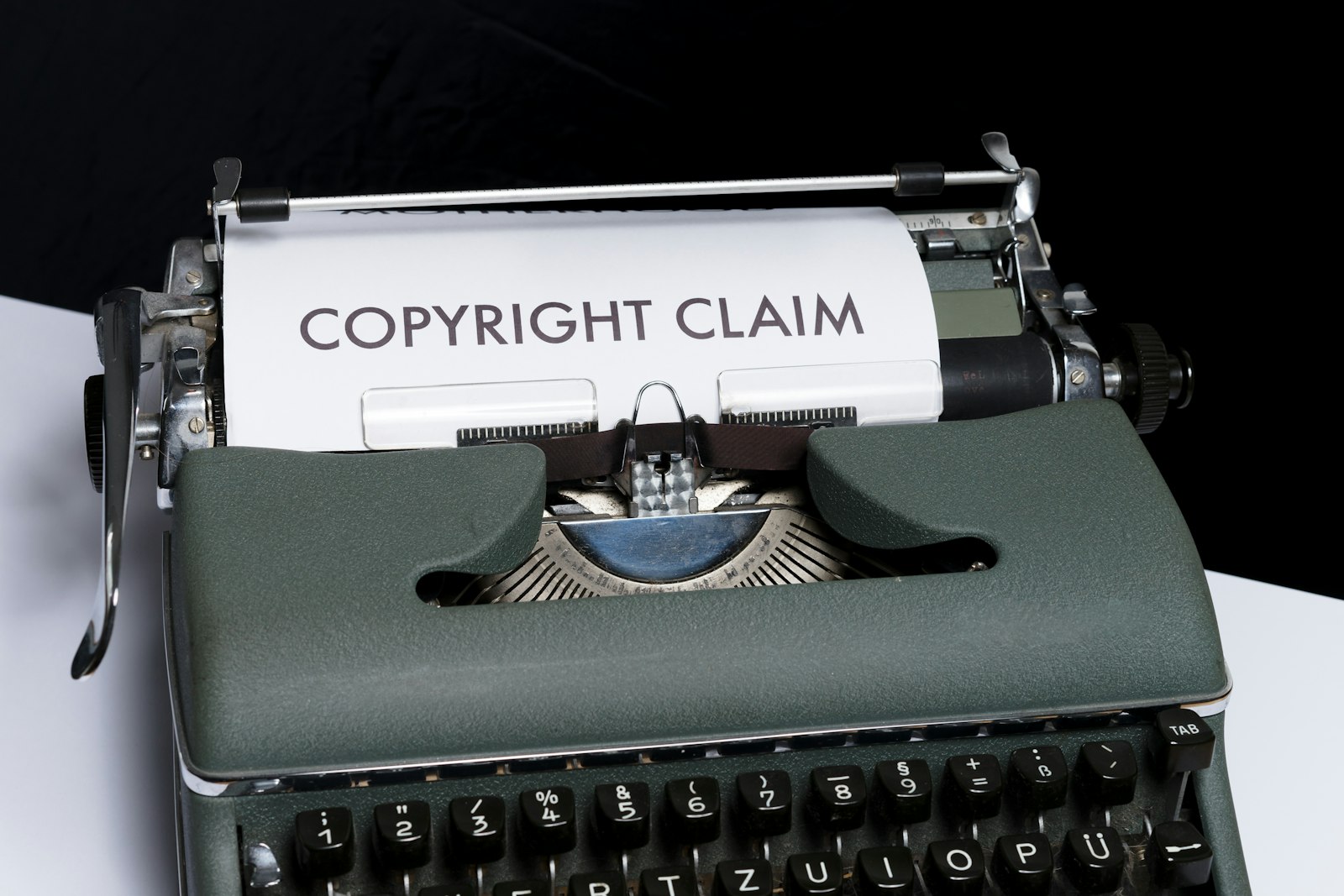
Photo: Markus Winkler, Unsplash License.
If you run a movie recap, TV recap, or commentary channel, a Content ID claim isn’t a matter of if — it’s when. Understanding what the system actually checks for, and what does and doesn’t reduce your odds of getting flagged, saves you from either of the two common mistakes: assuming a “recap” label protects you, or assuming there’s nothing you can do about it at all.
What Content ID actually does
Content ID is YouTube’s automated audio/video fingerprint matcher. Rights holders upload reference files, and YouTube scans every new upload against that database. It doesn’t understand context, commentary, or intent — it only detects that a stretch of your video’s pixels or audio matches a stretch of someone’s copyrighted file closely enough to flag.
When it finds a match, the claimant (not YouTube) has already pre-selected what happens next, typically one of:
- Monetize: ads run on your video, but the claimant’s channel — not yours — collects that ad revenue. Your video stays up and public.
- Track: no visible action, but the claimant sees viewership data.
- Block: the video becomes unwatchable to normal viewers (only the uploader can see it) in some or all countries, immediately, no review.
A block is not a copyright strike and doesn’t affect your channel standing on its own — but it does mean the video you spent hours writing, recording, and editing is functionally dead the moment it publishes. For a brand-new, heavily-monitored release (a day-one Netflix or major-studio title especially), block-not-monetize is common, and the match can cover almost the entire video if enough of the runtime uses real footage.
The two separate questions people conflate
There are two genuinely different questions here, and mixing them up is where most creators go wrong:
- Would this video survive a legal fair-use challenge? This is a legal question, decided case-by-case on transformative purpose, amount used, and market effect. A full start-to-finish plot retelling has a structurally weaker fair-use argument than a video built around genuine critique, comparison, or analysis — regardless of how the footage is edited.
- Will the automated matcher flag this video at all? This is a technical question about fingerprint matching, and it’s the one editing choices can actually influence.
Speed changes, mirroring, color grading, and similar tricks do not answer question 1 — they don’t make infringing use legally safe, and no serious source treats them as a compliance strategy. What they can do is reduce the odds of tripping question 2’s automated first pass.
What actually reduces automated-match risk
- Keep individual clips short. Content ID’s matching is much more reliable against long, unbroken runs of identical footage. A practical target used by editors who deal with this regularly: never let a raw clip run more than 5-8 seconds without a cut, transition, or other insert.
- Vary each clip’s actual pixels. A horizontal flip, a slight reframe/crop, a small speed adjustment, or a color-grade pass all change the fingerprint enough to reduce exact-match hits — while, again, not changing the underlying legal question.
- Minimize total footage share. The less of your finished video is continuous real footage — versus stills, freeze-frames with a slow pan/zoom, or on-screen text — the less there is to match against in the first place. A common target is keeping real-footage coverage under roughly a quarter of the finished runtime.
- Make the narration do the actual work. Beyond reducing detection risk, a video where the commentary/analysis carries the storytelling — rather than the footage — is also the version with the stronger legal footing if it’s ever actually reviewed.
If you get a claim anyway
- Check what it actually did. In YouTube Studio, open the video → Copyright/Claims → View details. It shows the claimant, the exact matched time ranges, and whether it’s blocking, monetizing, or tracking.
- Don’t dispute a claim that’s clearly accurate. If the matched ranges really are that claimant’s footage, disputing it and losing the dispute can escalate into a real copyright strike — a materially worse outcome than a quiet block. Disputes make sense when you have a genuine fair-use case to make, not as a reflexive first move.
- Treat a block as data, not just a loss. If a video gets blocked, that’s a signal about that specific title’s Content ID sensitivity (new releases and major-studio titles are usually the most aggressively monitored) — useful for deciding what to recap next, not just what to edit differently.
FAQ
Does putting “recap” or “commentary” in the title prevent a claim? No. Content ID doesn’t read titles or descriptions — it only fingerprints audio and video.
Is a Content ID block the same as a copyright strike? No. A block affects that one video’s visibility and stops the moment it’s resolved. A strike is a channel-level penalty (three active strikes can get a channel terminated) that comes from a formal DMCA takedown, not an automated Content ID match.
If I make clips short enough, is the video legally “safe”? No. Short, varied clips reduce the odds of an automated match — they don’t change whether the finished video would hold up under an actual legal review. Treat detection-avoidance and legal safety as two separate questions, always.
Related reading
CapCut vs DaVinci Resolve for Creators: Which Editor Do You Actually Need?
CapCut and DaVinci Resolve solve different editing problems — fast, mobile-first Shorts edits versus a full desktop NLE with professional color grading. Here's how to pick without over-buying.
ComparisonsDaVinci Resolve Free vs Studio: When Does a Creator Need the Upgrade?
Decide whether DaVinci Resolve Free is enough for your videos and identify the specific editing needs that could justify Studio.
ComparisonsGemini TTS vs ElevenLabs: How to Choose a Voice for Your YouTube Channel
Compare Gemini TTS and ElevenLabs by workflow, voice control, commercial rights, and revision costs before choosing a YouTube narration tool.